
Cloud vs. On-Premises Physical Security: Which Model Is Right for Your Business?
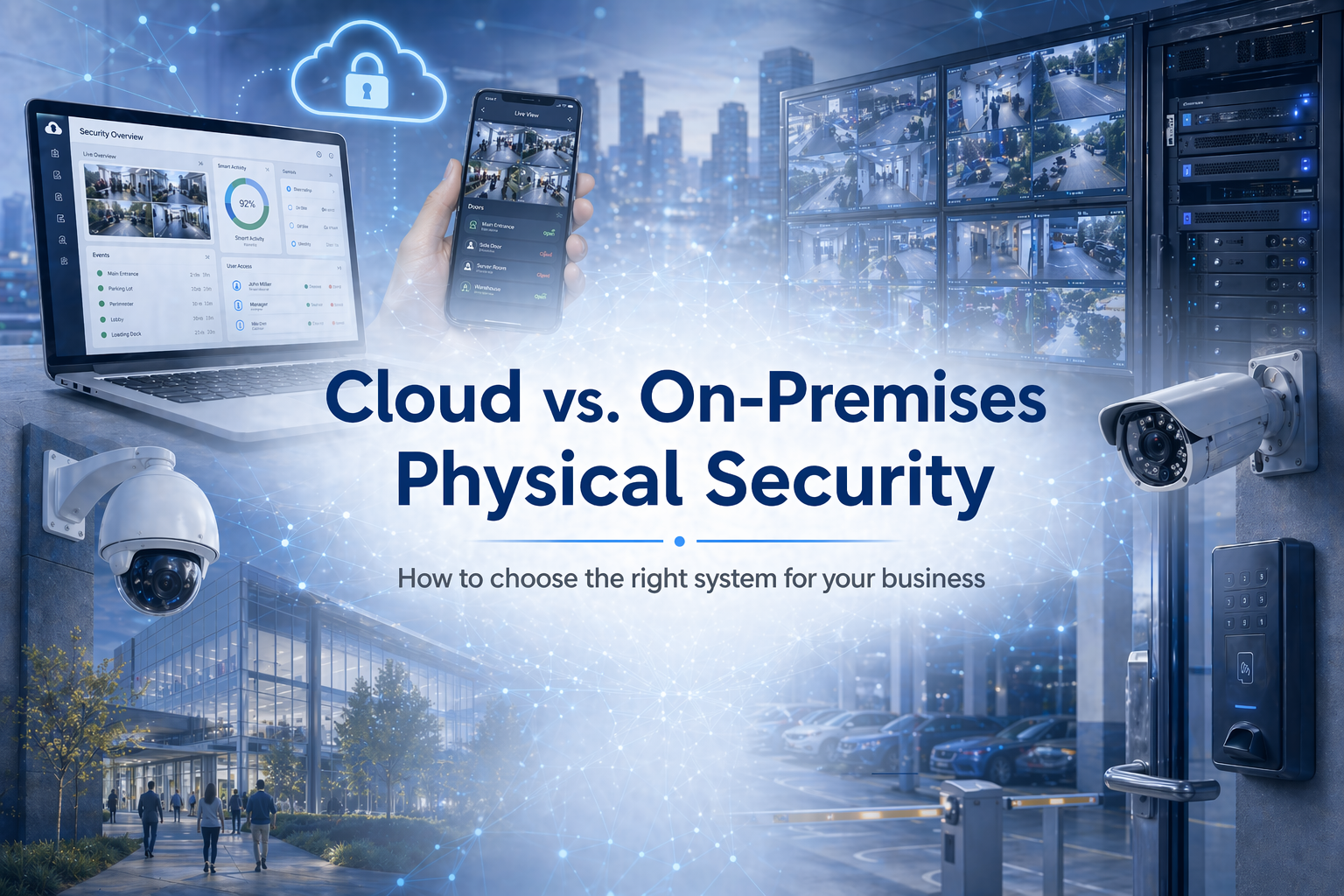
Compare cloud vs. on-premises physical security systems and learn which model best fits your business based on control, scalability, IT requirements, and long-term growth.
Introduction
When businesses invest in a physical security platform, the decision is not just about technology. It is about choosing a system that fits operational needs, internal resources, and long-term growth. For most organizations, the choice comes down to cloud-based or on-premises physical security. Both models can support video surveillance, access control, and centralized system management, but they differ in how they are deployed, maintained, and scaled.
Cloud-based systems are often chosen for flexibility, easier management, and faster expansion across multiple sites. On-premises systems are typically selected for local control, internal ownership, and independence from vendor-hosted infrastructure.
For businesses evaluating the two, the most important considerations are straightforward: ease of management, IT requirements, scalability, uptime, and control over data and infrastructure.
What Cloud Means in Physical Security
In physical security, a cloud-based system means the management software and related services are hosted by the provider rather than fully maintained on local customer servers. Cameras, readers, and controllers still operate on site, but the system is accessed through a hosted platform for administration, monitoring, reporting, and remote visibility.
From a business standpoint, the biggest advantage of cloud is efficiency. Cloud-based platforms typically reduce the amount of local infrastructure required and make it easier to manage multiple sites from a single interface. That can lower the operational burden on IT teams and simplify day-to-day system administration.
Cloud also supports faster growth. For organizations opening new locations, managing distributed teams, or standardizing security across facilities, cloud-based systems are usually easier to expand than fully on-premises environments. This can shorten deployment timelines and reduce the complexity of scaling a security program as the business grows.
Cloud is also effective because it can integrate more easily with a wide range of business and security software. That can include video management tools, access control platforms, visitor management, identity management, reporting systems, and other operational technologies. For organizations looking to connect systems and improve visibility across their environment, that flexibility can be a major advantage. For many businesses, cloud is appealing because it helps shift physical security from a site-by-site infrastructure challenge to a more centralized, manageable business system.
What On-Premises Means in Physical Security
An on-premises physical security system is hosted and managed locally by the organization. This usually includes local servers, local storage, site-based software, and internal responsibility for upgrades, maintenance, and cybersecurity patching. The primary value of on-premises is control. The organization decides how the system is configured, where data is stored, and when software updates or infrastructure changes take place. For businesses with strict internal requirements or strong preferences around ownership of their systems, that can be a major advantage.
On-premises can also be a good fit for organizations that already have dedicated IT resources and existing infrastructure investments. In those cases, keeping the system local may align better with current operations and internal support models. On-premises is often less about resisting change and more about matching the solution to the environment. Some businesses simply need a system that remains closely tied to local infrastructure and internal oversight.
Where Each Model Performs Best
Cloud and on-premises both have clear strengths, and the best choice usually depends on the customer’s business model and operational priorities. Cloud-based physical security is often the better fit for organizations that want centralized management, simpler expansion, and less infrastructure overhead. It is especially attractive to multi-site businesses, growing enterprises, and teams looking to reduce the day-to-day support burden on internal IT.
On-premises is often the better fit for organizations that want direct control over the environment and have the internal resources to manage it effectively. It can be a strong option for businesses with established infrastructure, strict internal standards, or a preference for locally hosted systems. For most businesses, this is not a question of which model is more advanced. It is a question of which model is better aligned with the way the business operates.
The Tradeoffs: What Buyers Should Evaluate
Cloud and on-premises both have clear strengths, and the best choice usually depends on the customer’s business model and operational priorities. Cloud-based physical security is often the better fit for organizations that want centralized management, simpler expansion, and less infrastructure overhead. It is especially attractive to multi-site businesses, growing enterprises, and teams looking to reduce the day-to-day support burden on internal IT or businesses looking for a system that can integrate with their business and security software.
On-premises systems, by contrast, offer the greatest level of direct control over infrastructure, storage, and system lifecycle decisions. That can be a major advantage for organizations that want to manage their environment internally or maintain tighter oversight of how the system is configured and supported. The tradeoff is that on-premises requires more internal effort, from maintenance and updates to hardware planning and ongoing administration. It can also demand more resources as the system grows. In terms of continuity, on-premises environments often support strong local operation because core functions remain tied to local infrastructure.
Final Thoughts
The cloud vs. on-premises decision is ultimately a business decision. It affects how the system will be managed, how easily it can scale, how much internal support it will require, and how much control the organization wants to retain.
Cloud is often the right fit for businesses that want flexibility, simpler management, and easier expansion. On-premises is often the right fit for businesses that want local control, internal ownership, and a more self-managed environment. The best solution is the one that aligns with the customer’s operations, resources, and growth strategy. Protection Plus Security Services can help you assess your environment and choose the security system that best aligns with your business goals.