
Ian Torpey • April 17, 2026

911 Public Safety Camera Sharing for Businesses: How Real-Time Video Improves Emergency Response
Learn how Eagle Eye 911 Public Safety Camera Sharing gives emergency communication centers real-time access to selected cameras during a 911 call, helping businesses improve safety, response speed, and situational awareness.

Introduction

When an emergency happens, every second matters. Calling 911 is the first step, but phone calls alone do not always give emergency telecommunicators the full picture. In a fast-moving situation, details can be unclear, incomplete, or changing by the second. That is where Eagle Eye 911 Public Safety Camera Sharing can make a major difference.

This solution gives emergency communication centers temporary access to designated security cameras during a 911-triggered emergency. Instead of relying only on what a caller can describe, telecommunicators can view live video from nearby cameras and pass more accurate, real-time information to first responders. For businesses, schools, and public-facing facilities, that added visibility can support faster decisions, better coordination, and a more informed response when it matters most.


What Is Eagle Eye 911 Public Safety Camera Sharing

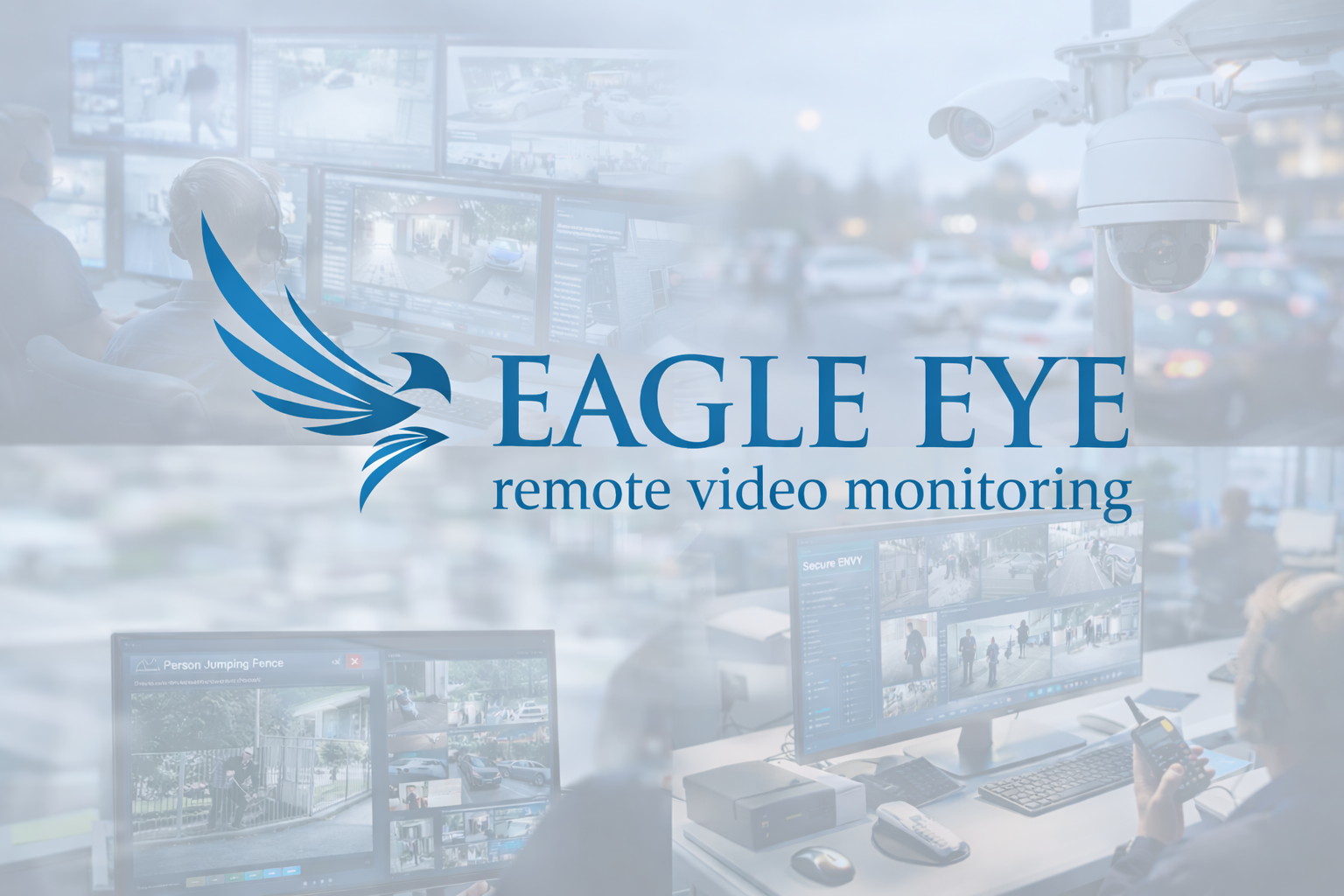
Eagle Eye 911 Public Safety Camera Sharing is a video-sharing capability designed to support 911 emergency response. It allows selected surveillance cameras to be shared with an Emergency Communication Center during a qualifying 911 emergency near the camera location. The goal is to give telecommunicators immediate visual awareness so they can better understand what is happening and relay useful updates to police, fire, or EMS teams.


How 911 Public Safety Camera Sharing Works

A business or organization selects which cameras should be available for sharing in an emergency. These cameras are then associated with their location so the system can determine whether they are near the source of a 911 call.

When a 911 call is placed from the customer’s location or from close proximity to the designated cameras, the caller location and camera location are matched using GPS-based data. If the event qualifies, telecommunicators at the Emergency Communication Center can access the shared live video streams from those selected cameras.


Key Components Needed to Set Up Eagle Eye’s 911 Public Safety Camera Sharing

The exact setup depends on whether you are already using the Eagle Eye Cloud VMS or coming from another video system.

For Eagle Eye Cloud VMS customers, the setup is relatively simple. The business designates which surveillance cameras should be enabled for emergency sharing. Those cameras are tied to the site location so the system can recognize when a nearby 911 call should trigger access for the Emergency Communication Center. From there, the Eagle Eye Cloud VMS handles the secure sharing of live video during an active event.


For non-Eagle Eye users, the setup typically includes the Eagle Eye 911 Public Safety Camera Sharing Complete solution, which connects your existing camera system to an on-premise Eagle Eye Cloud Managed Video Recorder, often referred to as a CMVR. This device acts as the bridge between your local surveillance environment and the Eagle Eye cloud platform. Once connected, designated cameras can be shared with telecommunicators during a 911 emergency.


Privacy and Security Considerations

For any business considering 911 camera sharing, privacy and cybersecurity are important parts of the conversation. Eagle Eye built this solution with those concerns in mind. Video is accessible only during a 911 emergency. The solution also removes the need to share individual IP addresses, DVR logins, NVR credentials, or camera passwords with the Emergency Communication Center. Video is transmitted through the Eagle Eye cloud-based platform using secure, encrypted data transfer. In addition, any video accessed by telecommunicators can be tracked in the Eagle Eye VMS Audit Log. These controls help businesses support emergency response while maintaining stronger oversight of how their video system is used.


Conclusion

Eagle Eye 911 Public Safety Camera Sharing gives businesses a smarter way to support emergency response. By allowing selected cameras to be shared with 911 emergency communication centers during a live incident, it helps improve situational awareness, strengthen communication, and support faster, more accurate decisions in critical moments.

You do not need to replace your current cameras to take advantage of this capability. Whether you already use the Eagle Eye Cloud VMS or need a complete solution for an existing third-party camera system, there is a path to add this feature and improve your emergency readiness.


Technology is only part of the solution. Successful deployment depends on choosing the right cameras, configuring it correctly, and making sure it fits the customer’s environment. That is where Protection Plus Security Services brings value.

Protection Plus Security Services can help you determine the best way to deploy Eagle Eye 911 Public Safety Camera Sharing for your property, your operations, and your safety goals. If you are ready to make your camera system more valuable during emergencies, now is the time to start the conversation.
By Ian Torpey May 29, 2026
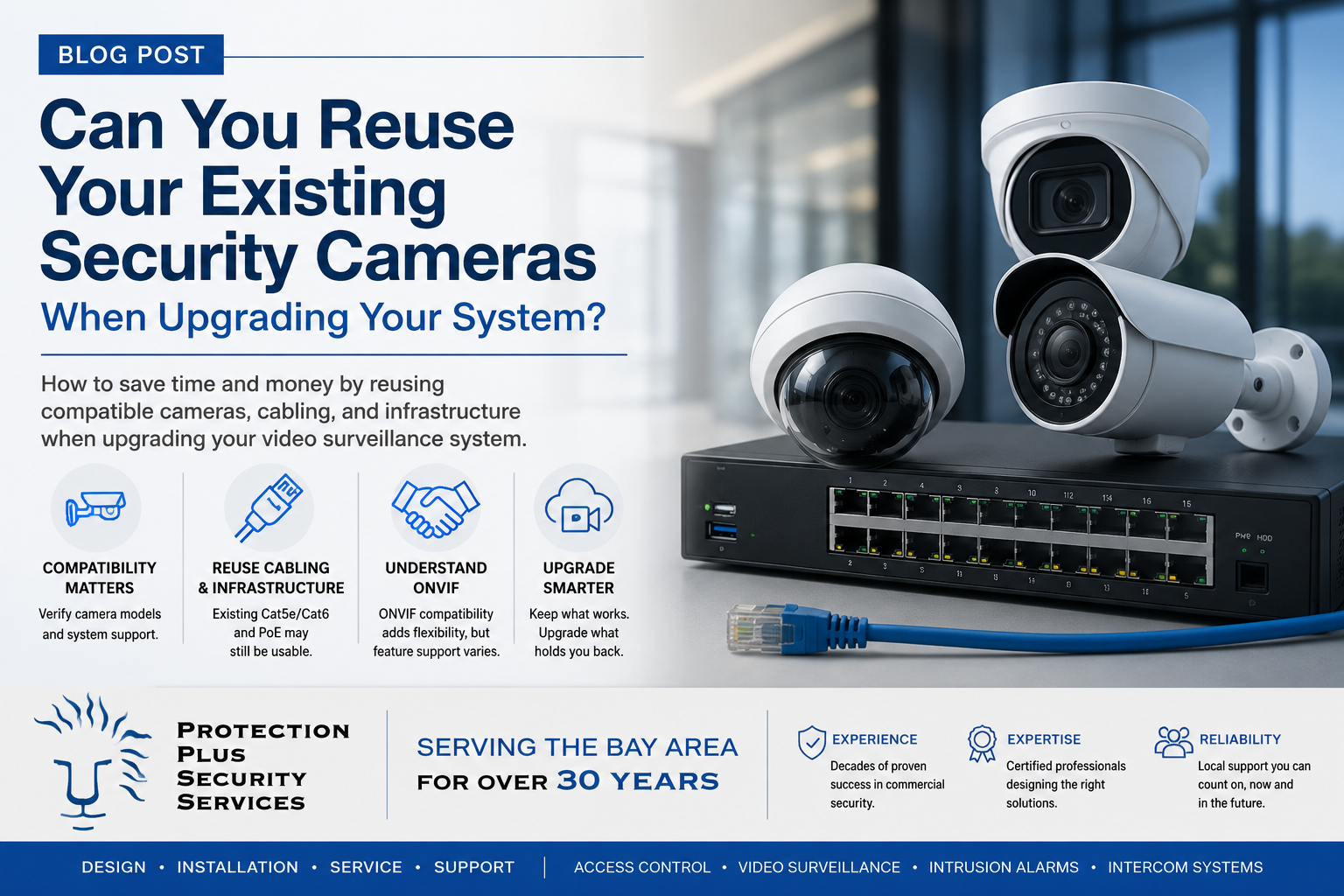
Learn what to look for in a commercial video surveillance upgrade, from image quality and storage to remote access, integration, and scalability.
By Ian Torpey May 14, 2026
Learn the 5 signs it may be time to upgrade your access control system, from limited scalability to outdated hardware and difficult system management.
By Ian Torpey April 27, 2026
Compare cloud vs. on-premises physical security systems and learn which model best fits your business based on control, scalability, IT requirements, and long-term growth.
By Ian Torpey April 9, 2026
Learn how Eagle Eye Complete Program gives businesses a cloud video surveillance system with predictable monthly pricing, lower upfront costs, and lifetime repair and replace support.
By Ian Torpey April 1, 2026
Learn how the Brivo access control system uses cloud management, scalable controllers, and mobile credentials to secure modern facilities.
By Ian Torpey March 24, 2026
Discover how remote video monitoring services from Eagle Eye provide proactive security using AI, real-time monitoring, and trusted partners to protect your business.
By Ian Torpey February 3, 2026
Brivo has recently announced they are no longer supporting several of their legacy control panels. These panels will need to be replaced before February 28, 2026. Affected Legacy Panels The following Panels have reached the End-of-Life and requires replacement Brivo ACS5000 Brivo IPDC Brivo Edge (HID-Edge) Replacement Options Brivo ACS6100 Replacement for the Brivo5000 legacy panel Brivo ACS300 Replacement for both Brivo EDGE and Brivo IPDC legacy panels Issues If Not Replaced Brivo's legacy hardware does not support many of Brivo's current and planned features. Also, the legacy hardware exposes companies to potential security risks and supportability issues as the legacy panels cannot comply with modern security standards. We are Here to Help When upgrading your legacy hardware with PPSS, we will take every step to ensure that there are minimal disruption to your operations. Our experienced technicians will coordinate a seamless transition with low downtime, maintaining the security integrity of your property throughout the upgrade process. For more information or to schedule your system upgrade, please contact our office today.
By patrick September 30, 2024
Does Verkada’s Access Control Tailgate Detection solution work you?
By patrick July 16, 2021
Openpath is a secure cloud based access control system offering some very impressive and unique features not found in other access control systems. The Openpath access control system primarily utilizes mobile credentials allowing users to use their phones for access into the building. Openpath Readers Allow for Hands Free Entry One of their unique features is the hands free entry. The Openpath readers can be configured to allow the wave of your hand to unlock the door. Allowing you to keep your phone in your pocket, backpack, or purse and not having to present it to the reader. The Openpath readers work with the mobile credentials as well as the Openpath cards and tags. They will even work with legacy HID Proximity credentials that many companies still utilize. Video Reader Pro Openpath has just introduce the Video Reader Pro. This reader contains both the Openpath reader technology and a 5MP super high definition camera in one compact unit. It is designed to automatically associate the video clip with the access control event, allowing you the ability to see the activity at your door. Triple Unlock Technology Openpath’s patented triple unlock technology makes the use of the mobile credential very easy and reliable. This technology works with Bluetooth, WiFi, and LTE cellular data for fast authentication. Bluetooth is utilized directly by the reader and local Smart Hub. The WiFi allows for both local Smart Hub or cloud authentication. The cellular data is authenticated in the cloud. These three technologies combine to make for a quick verification and authorization. Allowing authorized users to pass quickly through secured entry points. Guest Pass If authorized your mobile users can provide Guest Passes for visitors allowing them entry into the building. These passes are provided via text or email and allow visitors entry at a specific reader or group of readers and are valid for a user specified time. Integrations Openpath has a number of integrations with various third party software and services allowing you to link your access control system to these other systems. The integrations include identity providers: Google G Suite, Microsoft Azure Active Directory, Okta, and OneLogin. They also integrate with a number of video systems: Camio, Rhombus, Milestone, and Cisco Meraki. The Openpath system will integrate with the Envoy visitor management system, as well as other integrations with Slack (business communications), Allegion (wireless locks), Zapier (business automation), Cove (tenant experience), and ButterflyMX (intercom system).
Verkada Cloud Based Video Surveillance System
By patrick March 9, 2021
Verkada Video Surveillance System is a commercial grade enterprise cloud based video surveillance system. The Verkada video surveillance solution is an advance featured cloud based system that is powerful, easy to use, and easy to share. It requires no onsite video recording equipment.