
Ian Torpey • May 14, 2026

5 Signs It’s Time to Upgrade Your Access Control System
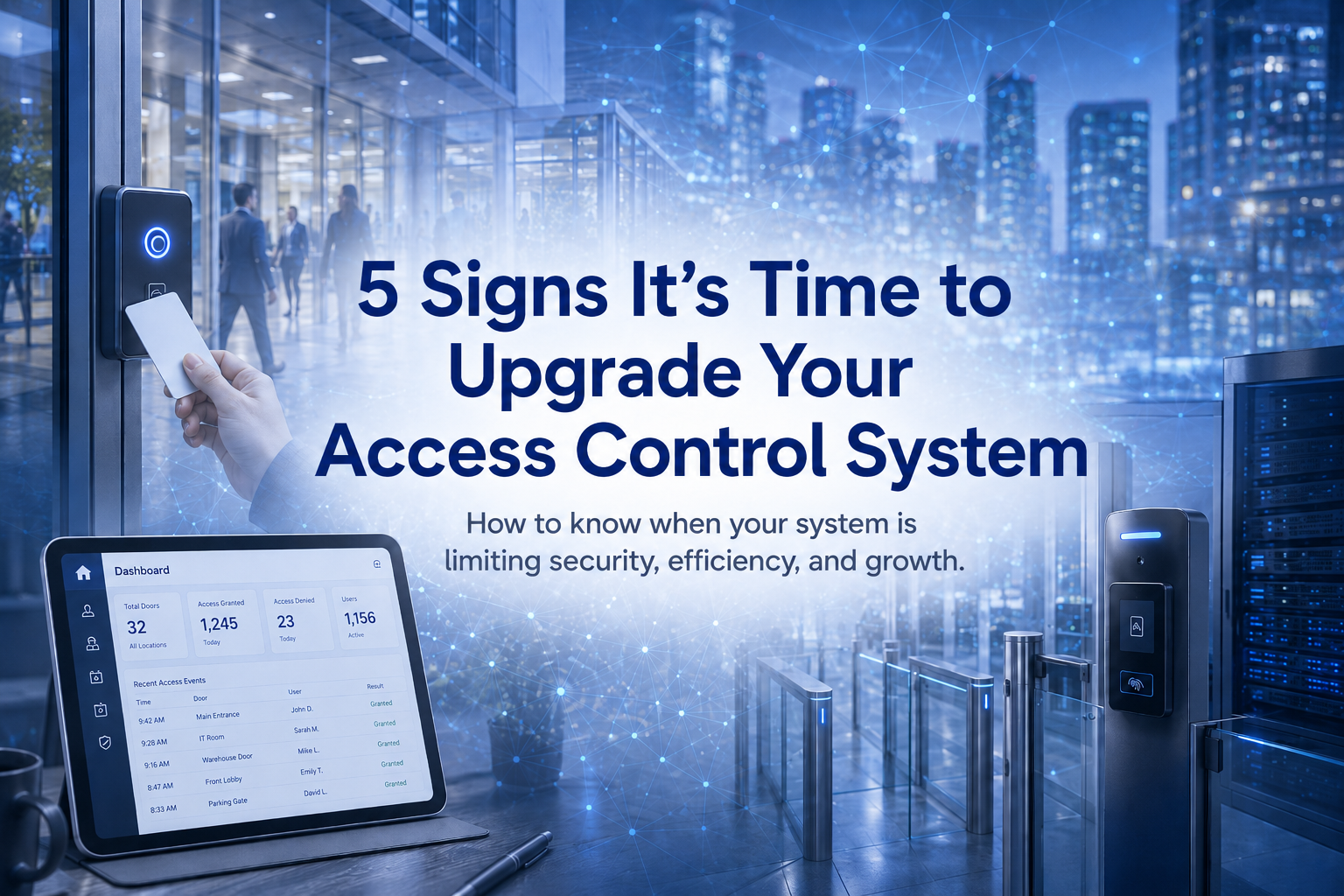
Learn the 5 signs it may be time to upgrade your access control system, from limited scalability to outdated hardware and difficult system management.

Introduction

Access control plays a critical role in protecting people, property, and day-to-day operations. But like any business system, it can become outdated over time. As organizations grow, expand to new locations, or face new security demands, older access control systems may start creating more problems than they solve.


If your system is no longer supporting your business efficiently, it may be time to consider an upgrade. Here are five common signs your access control system may be holding you back.


1. Your System Is Difficult to Manage

One of the clearest signs that it is time for an upgrade is when managing the system becomes unnecessarily time-consuming. If adding or removing users takes too long, reporting is difficult to pull, or administrators have to rely on outdated software and manual processes, the system may no longer be meeting the needs of the business.


Modern access control platforms are designed to simplify administration. They make it easier to manage credentials, monitor activity, and maintain visibility across one or multiple locations. If your current system creates extra work instead of improving efficiency, it may be time to move to a more manageable solution.


2. You Are Expanding, but Your System Cannot Keep Up

As businesses grow, access control needs usually grow with them. Adding doors, users, schedules, or locations should not require a complete operational headache. If your current system struggles to scale or requires significant work every time the business expands, that is a strong sign it may no longer be the right fit. A modern access control system should support growth without adding unnecessary complexity. Whether your organization is opening another office, adding more employees, or managing multiple facilities, the right platform should make expansion easier rather than harder.


3. Remote Management Is Limited or Nonexistent

Many businesses today need the ability to manage access from anywhere. If your system requires on-site administration for every update, change, or issue, it may be limiting responsiveness and creating avoidable delays. Modern systems often allow administrators to manage users, review events, update permissions, and monitor activity remotely. That flexibility can be especially important for multi-site businesses, lean security teams, or organizations that need quicker access to information. If your current system keeps management tied to one location, it may be time to upgrade.


4. Your System Does Not Integrate Well with Other Technology

Access control works best when it is not operating in isolation. If your system does not integrate well with video surveillance, visitor management, alarms, or other business and security technologies, it can create gaps in visibility and slow down operations.

Newer systems are often built to work more effectively with a wider range of software and platforms. Better integration can help businesses improve incident response, streamline workflows, and create a more connected security environment. If your current system feels disconnected from the rest of your technology, that is another clear sign it may be outdated.


5. You Are Relying on Old Credentials or Aging Hardware

Older access control systems often depend on outdated hardware, legacy credentials, or infrastructure that is becoming harder to support. That can create security concerns, increase maintenance needs, and make future upgrades more expensive or disruptive. If your business is still relying heavily on aging card technology, unsupported hardware, or systems that are difficult to service, it may be time to evaluate a newer platform. Modern access control solutions can offer better reliability, stronger security, and a more practical path for long-term growth.


Final Thoughts

An access control system should support the business, not slow it down. If your current platform is difficult to manage, hard to scale, limited in remote access, disconnected from other systems, or built on aging technology, it may be time to look at a better solution. Upgrading access control is not just about replacing old hardware. It is about improving security, simplifying management, and making sure the system can support the needs of the business moving forward.


To determine whether your current system is still the right fit, it is important to evaluate how well it supports your operations today and how well it can support your growth in the future. Protection Plus Security Services can help you assess your environment and choose an access control solution that aligns with your business goals.
By Ian Torpey April 27, 2026
Compare cloud vs. on-premises physical security systems and learn which model best fits your business based on control, scalability, IT requirements, and long-term growth.
By Ian Torpey April 17, 2026
Learn how Eagle Eye 911 Public Safety Camera Sharing gives emergency communication centers real-time access to selected cameras during a 911 call, helping businesses improve safety, response speed, and situational awareness.
By Ian Torpey April 9, 2026
Learn how Eagle Eye Complete Program gives businesses a cloud video surveillance system with predictable monthly pricing, lower upfront costs, and lifetime repair and replace support.
By Ian Torpey April 1, 2026
Learn how the Brivo access control system uses cloud management, scalable controllers, and mobile credentials to secure modern facilities.
By Ian Torpey March 24, 2026
Discover how remote video monitoring services from Eagle Eye provide proactive security using AI, real-time monitoring, and trusted partners to protect your business.
By Ian Torpey February 3, 2026
Brivo has recently announced they are no longer supporting several of their legacy control panels. These panels will need to be replaced before February 28, 2026. Affected Legacy Panels The following Panels have reached the End-of-Life and requires replacement Brivo ACS5000 Brivo IPDC Brivo Edge (HID-Edge) Replacement Options Brivo ACS6100 Replacement for the Brivo5000 legacy panel Brivo ACS300 Replacement for both Brivo EDGE and Brivo IPDC legacy panels Issues If Not Replaced Brivo's legacy hardware does not support many of Brivo's current and planned features. Also, the legacy hardware exposes companies to potential security risks and supportability issues as the legacy panels cannot comply with modern security standards. We are Here to Help When upgrading your legacy hardware with PPSS, we will take every step to ensure that there are minimal disruption to your operations. Our experienced technicians will coordinate a seamless transition with low downtime, maintaining the security integrity of your property throughout the upgrade process. For more information or to schedule your system upgrade, please contact our office today.
By patrick September 30, 2024
Does Verkada’s Access Control Tailgate Detection solution work you?
By patrick July 16, 2021
Openpath is a secure cloud based access control system offering some very impressive and unique features not found in other access control systems. The Openpath access control system primarily utilizes mobile credentials allowing users to use their phones for access into the building. Openpath Readers Allow for Hands Free Entry One of their unique features is the hands free entry. The Openpath readers can be configured to allow the wave of your hand to unlock the door. Allowing you to keep your phone in your pocket, backpack, or purse and not having to present it to the reader. The Openpath readers work with the mobile credentials as well as the Openpath cards and tags. They will even work with legacy HID Proximity credentials that many companies still utilize. Video Reader Pro Openpath has just introduce the Video Reader Pro. This reader contains both the Openpath reader technology and a 5MP super high definition camera in one compact unit. It is designed to automatically associate the video clip with the access control event, allowing you the ability to see the activity at your door. Triple Unlock Technology Openpath’s patented triple unlock technology makes the use of the mobile credential very easy and reliable. This technology works with Bluetooth, WiFi, and LTE cellular data for fast authentication. Bluetooth is utilized directly by the reader and local Smart Hub. The WiFi allows for both local Smart Hub or cloud authentication. The cellular data is authenticated in the cloud. These three technologies combine to make for a quick verification and authorization. Allowing authorized users to pass quickly through secured entry points. Guest Pass If authorized your mobile users can provide Guest Passes for visitors allowing them entry into the building. These passes are provided via text or email and allow visitors entry at a specific reader or group of readers and are valid for a user specified time. Integrations Openpath has a number of integrations with various third party software and services allowing you to link your access control system to these other systems. The integrations include identity providers: Google G Suite, Microsoft Azure Active Directory, Okta, and OneLogin. They also integrate with a number of video systems: Camio, Rhombus, Milestone, and Cisco Meraki. The Openpath system will integrate with the Envoy visitor management system, as well as other integrations with Slack (business communications), Allegion (wireless locks), Zapier (business automation), Cove (tenant experience), and ButterflyMX (intercom system).
Verkada Cloud Based Video Surveillance System
By patrick March 9, 2021
Verkada Video Surveillance System is a commercial grade enterprise cloud based video surveillance system. The Verkada video surveillance solution is an advance featured cloud based system that is powerful, easy to use, and easy to share. It requires no onsite video recording equipment.
By patrick October 22, 2018
You are responsible for overseeing your company’s alarm system. Among your many other duties…. As your company has grown the way the alarm system functions has not changed to meet the changing dynamics of your organization. You are finding more times than not the alarm system is not being activated at night and on the weekends when it should be. When it is armed employees are triggering it accidently because they forgot their alarm codes or they are a new hire that has not been assigned a code. This is very typical of a growing organization. The alarm system that worked when you had 30 employees no longer works for 100+ employees. The panel does not allow for enough alarm codes, the way the system functions no longer meets your needs, you have personnel working all hours of the day and night trying to get the latest projects out and meet the deadlines of a growing successful company. As the company has grown so have your security requirements. As a 30 person company you only needed a burglar alarm system; now as a 100+ company you have the burglar system as well as the card entry system and the video surveillance system. You have all these systems because management required them, your customers required them, your insurance company wanted them, and they are providing for a better controlled and more secured environment for your employees and the critical assets of the company. So how do you make sure the burglar alarm system is being activated? That is a good question and one that has different answers depending on your circumstances. Arm & Disarm on a Schedule In some instances simply programming the alarm panel to arm and disarm based on a schedule works well. If you maintain set hours of operations then this can resolve the issue of the alarm system not being activated at night or on the weekends. This may require a panel upgrade to allow for the scheduling functions. Supervised Closings & Smart Application Likewise you may want to have the alarm system supervised. By supervising the alarm system from the monitoring station if the alarm system has not been activated by a specified time then you will receive a phone call or text message alerting you that the alarm system did not arm. The appropriate action can be taken to activate the system. If equipped with a smart application it may be as simple as activating the alarm system from your smart phone. Integrate the Alarm and Access Control Systems Sometimes integrating the alarm system with the access control system is the best solution. Configuring the alarm system such that the first person in automatically disarms the system. The system can be programmed to arm at a specific time or the last person out can manually arm the system. You can even arm the alarm system without an alarm code utilizing the quick arm function. On the Honeywell Ademco system the quick arm function is the # key plus either the 2 key to arm away or the 3 key to arm stay. No user code required. This functionality must be enabled in the system programming. Arm / Disarm Readers Sometimes the best solution is installing an Arm Disarm reader at each of the alarm keypad locations. This reader is designed to toggle the alarm system based on a valid credential. When the system is armed and a valid credential is presented the alarm system disarms. When the system is disarmed and a valid credential is presented the system arms. This eliminates the need to issue alarm codes to all of the employees they can simply use their access control credential. Perimeter Alarm Integrated with Access Control System In other instances the detectors on the alarm system have to be changed out to best accommodate the changes in the way the organization now functions. For those organizations that may have personnel working all hours of the day and night it may be best to have a perimeter alarm system that is integrated with the access control system. A perimeter alarm system consists of door contacts, glassbreak detectors, and local door alarms at the perimeter card entry doors. With this type of system we are strictly monitoring the perimeter of the building. There are no interior detectors. By integrating the alarm with the access control system you allow authorized employees to enter through a card reader door without having to deactivate the alarm system. Likewise, those employees can exit through the card reader door without triggering the alarm system after-hours. The alarm system is programmed to arm and disarm on a schedule and is supervised so if there is a failure you are notified. We at Protection Plus Security Services are experts at protecting your small to medium sized business. We have the experience and know how to provide the right solution. Please contact us for a free security review.