
What to Look for in a Commercial Video Surveillance Upgrade
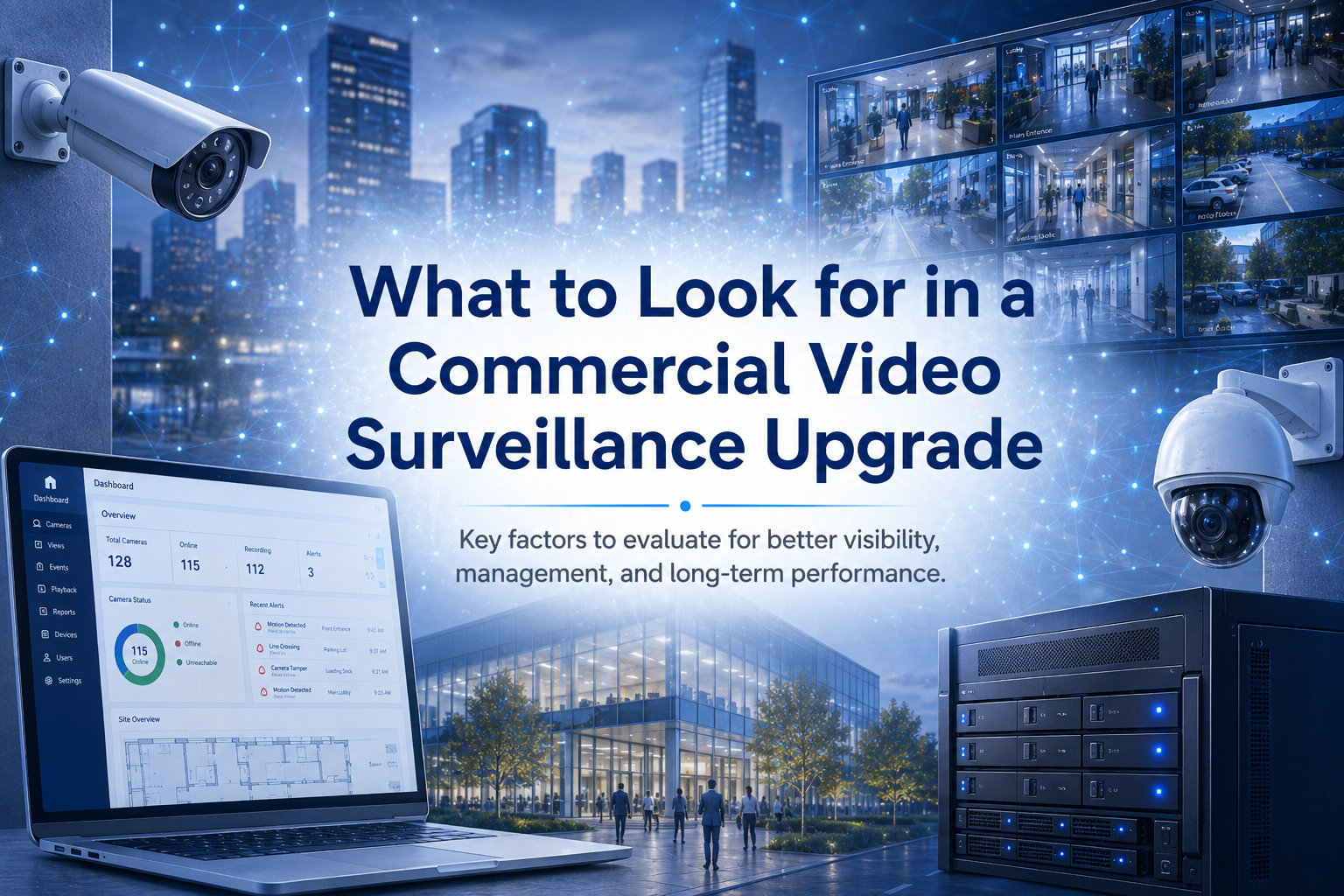
Learn what to look for in a commercial video surveillance upgrade, from image quality and storage to remote access, integration, and scalability.
Introduction
For many businesses, video surveillance is no longer just a basic security measure. It is a tool for improving visibility, supporting investigations, protecting property, and helping teams respond more effectively to incidents. But as business needs change, older camera systems can become harder to manage, more limited in capability, and less effective overall.
Upgrading a commercial video surveillance system is not just about replacing cameras. It is about choosing a solution that supports the way the business operates today and can continue to support growth in the future. For organizations evaluating a new system, there are several key areas worth paying close attention to.
Image Quality and Coverage
One of the first things businesses should evaluate in a surveillance upgrade is image quality. If footage is unclear, poorly positioned, or does not provide the level of detail needed to review incidents effectively, the system may not be doing its job.
A stronger system should provide clear, reliable video in the areas that matter most. That includes entrances, exits, parking areas, loading zones, common spaces, and other high-traffic or high-risk locations. Coverage matters just as much as resolution. A business may have cameras installed, but if they are not placed strategically or do not provide useful views, coverage gaps can still create risk.
When planning an upgrade, businesses should focus on whether the new system will improve both visibility and overall site awareness.
Ease of Management
A video surveillance system should be practical to manage on a daily basis. If reviewing footage is slow, exporting video is difficult, or administrators struggle to navigate the platform, the system can become more frustrating than helpful. Modern surveillance platforms are designed to make management easier. Businesses should look for systems that simplify live viewing, video search, footage retrieval, user permissions, and system health monitoring. The easier the system is to manage, the more useful it becomes during both routine operations and urgent situations.
This is especially important for organizations with multiple locations or limited internal IT support. A system that reduces complexity can save time and improve consistency across the business.
Remote Access and Visibility
Remote access has become an important part of modern video surveillance. Many businesses need the ability to check cameras, review events, and manage the system without being tied to a specific on-site workstation. When evaluating an upgrade, businesses should consider how easily authorized users can access the system remotely and how much visibility they will have across locations. For multi-site organizations, centralized visibility can make a major difference in how efficiently security is managed.
A stronger surveillance platform should allow decision-makers, security teams, and administrators to access the information they need without unnecessary delays or complicated workarounds.
Storage and Retention
Storage is another key part of a surveillance upgrade. Businesses should understand how video will be stored, how long footage will be retained, and how easy it will be to retrieve when needed. An upgraded system should align with the organization’s operational needs, risk profile, and any internal requirements around retention. Some businesses may prioritize longer storage periods, while others may focus more on ease of access and reliability. In either case, storage planning should be treated as a major part of the upgrade, not an afterthought.
If businesses are not clear on storage strategy from the beginning, they can end up with a system that is harder to manage and less effective when footage is actually needed.
Integration with Other Security Systems
Video surveillance is often more valuable when it works alongside other security technologies. A system that integrates well with access control, alarms, intercoms, analytics, or other operational tools can help businesses create a more connected security environment. When evaluating an upgrade, businesses should look at how well the surveillance platform will fit into the rest of the security ecosystem. Better integration can improve visibility, simplify investigations, and support faster response when incidents occur.
For businesses planning long-term growth, integration is especially important. A connected system is often easier to scale and more useful over time than one that operates in isolation.
Scalability for Future Growth
A surveillance upgrade should not only solve current problems. It should also support future needs. If the business adds locations, expands coverage, or wants to adopt new capabilities later, the system should be able to grow without creating unnecessary disruption. Scalability is one of the most important things to evaluate during the buying process. Businesses should consider whether the system can support more cameras, additional users, expanded storage, and broader operational demands over time.
A scalable platform can help protect the investment and reduce the likelihood of another major system change in the near future.
Final Thoughts
A commercial video surveillance upgrade should improve more than camera quality. It should improve how the business monitors activity, manages footage, supports investigations, and prepares for growth.
When evaluating a new system, businesses should focus on the basics: image quality, coverage, ease of management, remote visibility, storage, integration, and scalability. Those are the factors that will have the biggest impact on how well the system performs over time. To choose the right upgrade, it is important to look at both current needs and long-term goals.
Protection Plus Security Services can help you assess your environment and identify a video surveillance solution that best fits your business.