
Can You Reuse Your Existing Security Cameras When Upgrading Your System?
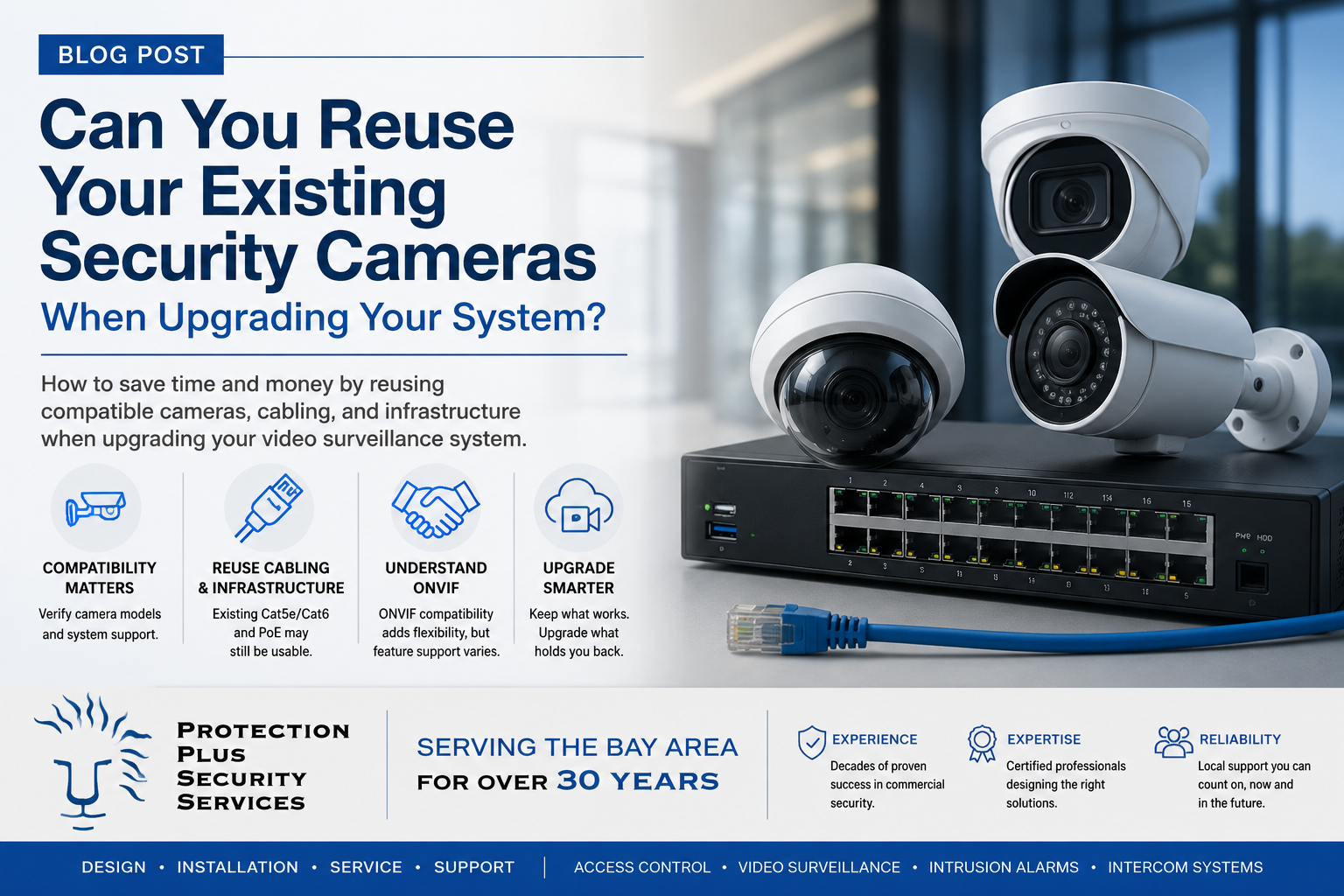
Can you reuse existing security cameras when upgrading your commercial video surveillance system? Learn what to consider before replacing cameras, cabling, switches, and recording equipment.
Upgrading a commercial video surveillance system does not always mean replacing every camera, cable, and piece of network equipment already installed in your building.
In many cases, businesses can reuse at least some of their existing security infrastructure when moving to a newer video surveillance platform. Existing IP cameras, network cabling, PoE switches, and other components may still have years of useful life remaining. However, compatibility should never be assumed. Before deciding whether existing cameras can be reused, it is important to know what equipment is currently installed, how it communicates, and whether the new video management system supports it.
Start With the Existing Cameras
The first step is identifying the manufacturer and model number of each existing camera. Modern commercial IP cameras typically connect to the network using Ethernet cabling and transmit video digitally. Many of these cameras support industry-standard protocols that allow them to communicate with video management systems from other manufacturers. This can make it possible to keep existing cameras while replacing the recorder or video management platform.
For example, a business may have quality Axis, Hanwha, or another manufacturer's IP cameras that are still performing well but want to upgrade to a newer cloud-managed video surveillance platform. Depending on compatibility, the existing cameras may be able to connect to that new system rather than being replaced. Compatibility can vary by camera model, firmware version, and video platform, so each device should be verified before designing the new system around it.
What Is ONVIF?
One term you may hear when discussing camera compatibility is ONVIF. ONVIF is an industry standard designed to help IP-based security products from different manufacturers communicate with each other.
A camera that supports ONVIF may be able to connect to a third-party network video recorder or video management system. This gives businesses more flexibility when upgrading because they may not be locked into using cameras and recording equipment from the same manufacturer. However, ONVIF compatibility does not necessarily mean that every feature of the camera will work on every platform. A third-party camera may provide live video and recording while certain advanced features, analytics, or configuration options remain limited. This is why compatibility testing and manufacturer verification are important before assuming an existing camera will provide the same functionality as a camera designed specifically for the new platform.
Multi-Sensor Cameras Require Additional Attention
Multi-sensor cameras can make system upgrades slightly more complicated. Instead of producing a single image, a multi-sensor camera may contain several independent lenses. Each lens can provide its own video stream and viewing angle.
A four-sensor camera, for example, may appear physically to be one camera while the video management system treats it as four separate video channels. This can affect the licensing, recorder capacity, network bandwidth, and the video management system sizing. For facilities with multi-sensor cameras, it is important to identify not only how many physical cameras are installed, but also how many individual video streams are being viewed and recorded.
Can Existing Network Cabling Be Reused?
Often, yes. Commercial IP cameras commonly use Cat5e or Cat6 Ethernet cabling. If the existing cable is properly installed and remains in good condition, it may be possible to reuse it with the new surveillance system.
Reusing existing cabling can significantly reduce the cost and disruption associated with an upgrade. Before relying on existing cable, a security integrator should inspect or test it to verify that it is functioning properly. Older installations may have damaged connectors, improperly terminated cable, water exposure, or other issues that are not immediately visible. Existing cable should therefore be considered reusable only after its condition has been verified.
What About the Existing PoE Switch?
The same principle applies to an existing Power over Ethernet, or PoE, switch. PoE switches provide network connectivity and electrical power to IP cameras over the same Ethernet cable. An existing switch may be reusable if it provides the correct network speeds, sufficient PoE power, and enough available ports for the new system. However, older switches may not provide enough power for newer cameras with features such as infrared illumination, heaters, multiple sensors, or higher-performance processors. The total PoE power budget of the switch should be reviewed as part of the system design.
The Recorder May Be the Only Component That Needs to Change
In some situations, the cameras themselves are not the reason a customer wants to upgrade. The existing recorder or video management software may be outdated, difficult to use, inaccessible remotely, or no longer supported by the manufacturer. Replacing the recording platform while keeping compatible cameras can be an effective way to modernize the system without replacing everything at once.
Depending on the platform, businesses may gain features such as remote access from computers and mobile devices, video analytics and alerting, or centralized management of multiple locations. This approach can also allow a business to replace older cameras gradually rather than completing an entire system replacement at one time.
Some Features May Be Limited with Third-Party Cameras
One of the most important considerations when reusing existing cameras is functionality. A video management platform may support a third-party camera for basic live viewing and recording but not support every advanced feature available with the platform's native cameras. Depending on the system, limitations could involve analytics, audio, motion detection, camera health monitoring, firmware management, or other features.
Businesses should determine which features are important to them before deciding whether keeping an existing camera makes sense. In some cases, keeping a high-quality existing camera is the most cost-effective option. In others, replacing the camera may provide enough additional functionality to justify the investment.
When Does It Make Sense to Replace the Cameras?
Even when an older camera can technically connect to a new system, that does not always mean it should be reused. Replacement may make more sense when cameras have:
- Low image resolution
- Poor nighttime performance
- Physical damage
- Frequent connectivity problems
- Outdated cybersecurity or firmware support
- Limited fields of view
- Unsupported video formats
A system upgrade is also a good opportunity to reconsider camera placement. Security needs can change as businesses grow, remodel facilities, relocate equipment, or change how certain areas are used. Simply replacing equipment in the exact same locations may recreate blind spots or coverage problems from the previous system.
A Site Survey Can Prevent Expensive Assumptions
Before preparing for a surveillance system upgrade, a professional site survey should document the existing infrastructure. This may include reviewing camera models, recording equipment, network switches, cabling, mounting locations, power requirements, and current video coverage. Testing existing equipment before installation can also help determine what can realistically be reused. The goal should not necessarily be to replace everything. Instead, the goal is to determine which existing components still provide value and which components are preventing the system from meeting the organization's current security needs.
Upgrade Your Surveillance System Without Starting From Scratch
A modern video surveillance system does not always require a complete rip-and-replace installation. With the right equipment and proper planning, businesses may be able to reuse existing cameras, network cabling, PoE switches, and other infrastructure while upgrading the portions of the system that need improvement. The key is to verify compatibility before the new system is designed.
Protection Plus Security Services can evaluate your existing video surveillance equipment, determine what can be reused, and recommend an upgrade path based on your facility, security requirements, and budget. Whether you need to replace an outdated recorder, migrate existing IP cameras to a newer platform, or design an entirely new surveillance system, our team can help determine the best approach for your facility.